The Best Napper Alternatives in 2026 (and How to Switch)
Napper is a friendly nap schedule app from Sweden, and for a lot of families it is the first baby sleep app they ever pay for. But once you want more than a schedule, the gaps show: a tracker that is mostly behind the paywall, predictions that lean on age charts, and no real sleep training plan. This guide covers why parents move on, what to look for, the best alternatives with verified prices, and how to switch without losing your baby's rhythm.

Looking for a Napper alternative? Hushly predicts naps from your baby's own logged sleep, adds gentle sleep training plans and a full tracker, and shares with the whole family. Free to download.
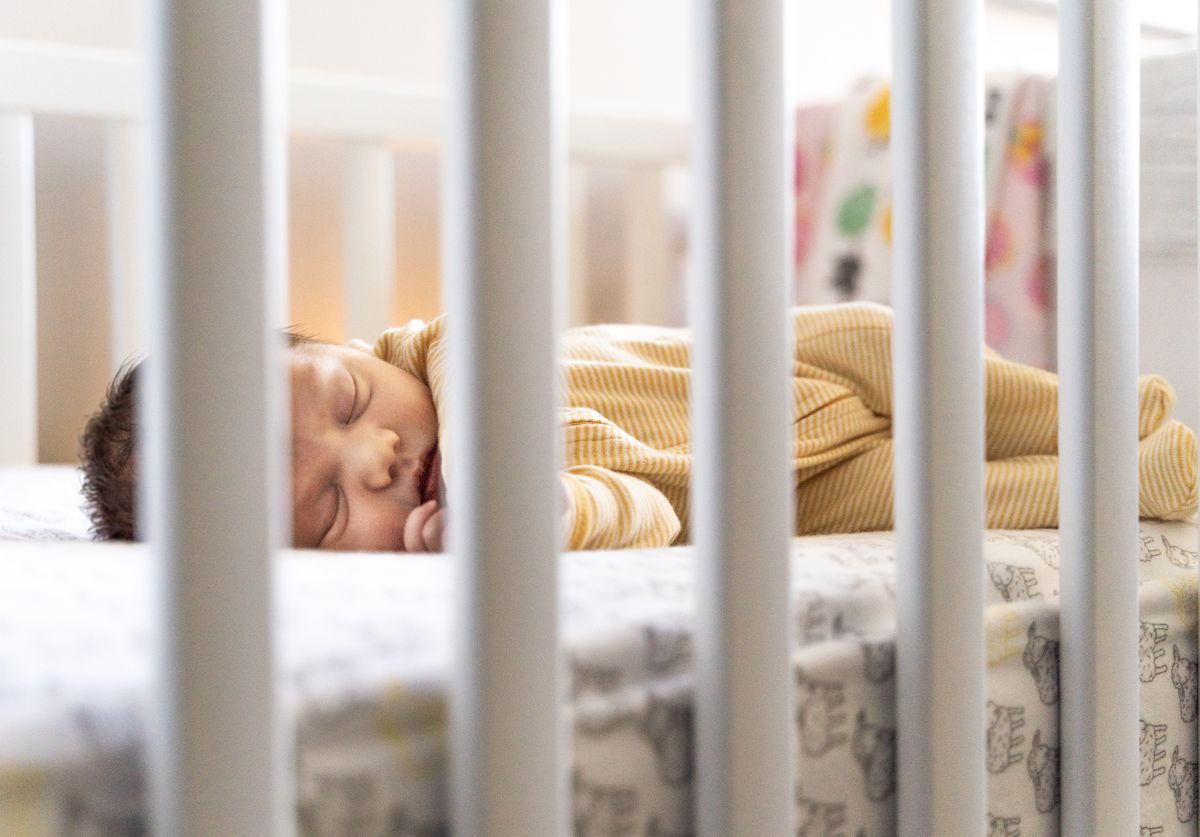
Photo via Pexels
Napper (Napper AB, Stockholm) started the way a lot of good baby apps start: a dad on parental leave built it for his own daughter who would not sleep. It has since been featured by Apple, holds a 4.9-star average on the US App Store, and its pitch is simple. Log your baby's sleep and it predicts the next nap and bedtime, then nudges you about 30 minutes before it is time to wind down. The design is warm, caregivers can share one profile at no extra cost, and there is a library of sleep sounds and a readable article course on infant sleep.
Credit where it is due: the schedule is the reason parents love it, and plenty say the timing lands within minutes for their baby. If all you need is a nap schedule in a calm interface, Napper does that job well for less than the big tracking apps. This guide is for the parents who outgrow it.
Why parents look for a Napper alternative
We read through two months of recent US App Store reviews, the five-star ones and the one-star ones. The praise is consistent (accuracy, the heads-up notification, sharing with a nanny or partner, responsive support). So are the complaints:
- The free tier is a schedule, not a tracker. Napper's own pricing page lists daily sleep tracking and an age-based schedule as free; the personalized analysis, trends, sounds and course are in the Unlimited plan. Reviewers regularly discover that logging a diaper change, editing an entry, or seeing statistics needs a subscription, and the price appears only after you have set up your baby.
- Confusing pricing. The US App Store in-app purchase list shows several overlapping plans, from Napper Sleep at $14.99 a month or $89.99 a year, up to Napper Complete at $129.99 a year, with other Unlimited bundles between $49.99 and $119.99 a year. The website quotes a single Napper Unlimited plan at $69.99 a year, so the offer you see depends on where you look.
- Schedule-led predictions. Several parents report wake windows that ran too long, a nap count that stayed fixed to the age chart instead of what their baby was doing, "custom" nap settings that reverted to the age default, and a "fine tuning" message that lasted weeks. Others say the opposite, so this is baby-dependent, but Napper's schedule leans on age-based research first and your baby's data second.
- Night sleep is thin. Night wakings can be logged, but the app does not do much with them. There is no step-by-step plan for the baby who wakes six times, and a few reviewers note that totals do not update during a long night sleep.
- Repeated redesigns. The interface has changed completely more than once, and the most frequent recent complaint is that logging a nap at 2 in the morning now takes more swipes than it used to. Long-time users ask to switch back and cannot.
- Upsell screens on the free tier. Parents who stopped paying after the first year complain about promotion pop-ups blocking the home screen when they only want to log a nap.
- Missing extras. No iPad app, no Apple Watch app, and no data export.
What to look for in a replacement
Napper's strength is that it quietly tells you when the next nap is coming. Any replacement has to keep that, so judge candidates on these things rather than a long feature list:
- Predictions from your baby's own data, with the age chart as a starting point rather than the ceiling. Two six-month-olds can have wake windows an hour apart, which is why our guide to wake windows by age treats every range as a range. A good app should shorten or lengthen the next window based on what today actually looked like.
- A reminder before the overtired window, because the hard part of a schedule is noticing the moment, not knowing it exists. It is the Napper feature parents miss most.
- Fast logging. Two taps to start a sleep, two to end it, in the dark, one-handed. If logging feels like work, the predictions drift because the data stops.
- A sleep plan that flexes. If your reason for leaving is night wakings, you want a plan with steps, not an article library. Our guide to baby sleep training methods explains the difference between no-cry, gradual retreat and Ferber-style approaches so you can pick one you will actually follow.
- Sharing that works both ways. Napper already shares a profile with caregivers, so do not accept less. Whoever is holding the baby should be able to log and see the next predicted nap. We wrote about why this matters in the mental load of baby tracking.
- Price transparency. You should know what is free and what is paid before you enter a week of data. Check the App Store listing's in-app purchase list, which cannot hide anything.
The best Napper alternatives in 2026
These are the apps we would point a Napper parent toward, with an honest note on who each suits. Prices are from the US App Store in-app purchase lists, checked in October 2026, and will differ by country and by the offer you are shown. If you came here from Smart Sleep Coach by Pampers, which closes on November 30, 2026, our Smart Sleep Coach alternatives guide covers that move specifically.
| App | Best for | Nap prediction | Sleep training plans | Price (US App Store, Oct 2026) |
|---|---|---|---|---|
| Hushly | Napper-style predictions from your own data, plus a full tracker and sleep plans | Yes, from your baby's own logs (Magic Window) | Yes, no-cry to Ferber-inspired | Free to download; Premium costs less than the paid tiers here |
| Huckleberry | The biggest tracker with the longest history | Yes, on paid tiers (SweetSpot) | Paid plans and expert reviews | Plus $11.99/mo or $58.99 to $68.99/yr; Premium $14.99/mo or $119.99/yr |
| Little Ones | A structured program with human support | Schedule-led, not data-driven | Yes, full programs | $14.99/mo or $119/yr; programs $49.99 to $89.99 |
| Baby Tracker (Nighp) | A cheap, fast logbook with no schedule | No | No | Free with ads; Plus $5.99/mo or $49.99/yr |
| Glow Baby | Parents already using Glow's pregnancy apps | No, age-based tips only | No | Free tier; Glow Premium $15.99 to $59.99 listed |
Hushly
Hushly is our app, so take this with that in mind. We built it for the parent who likes what Napper does and wants more of it. Hushly learns your baby's rhythm from the sleeps you log and predicts the next sleep window, which we call the Magic Window, down to the minute. You get a full-day forecast of naps and bedtime each morning, live estimates that update after each sleep, an estimated wake-up time once baby is down, and a reminder before the overtired window opens.
The parts Napper leaves out are the parts we spent the most time on. There are gentle, step-by-step sleep training plans matched to age, from no-cry and gradual retreat to a Ferber-inspired approach, and they flex through regressions, teething and growth spurts rather than restarting. The tracker is free to use and covers the whole day: sleep, bottle, nursing, solids, diapers, pumping, activities, growth, medicine, vaccines, temperature and potty training, in one timeline that a partner, grandparent or babysitter sees live, in 11 languages. On iPhone, a Live Activity keeps the running sleep on your lock screen. Charts cover sleep trends, night-wake patterns, feeding and growth.
Honest limitations: Hushly is the newest app on this list, there is no web or desktop version, no hardware monitor, and the article library is smaller than Napper's course. It does not read Napper data, because Napper has no export, so you start from a fresh log. The first Magic Window appears as soon as one sleep is logged. And it is built by a small team led by a dad, not a large company, which is also true of Napper, so call that one a draw.
Huckleberry
Huckleberry is the obvious step up if your main complaint is Napper's tracker. The free tier logs sleep, feeds, diapers and more with no cap, and the history is the best in the category. Nap prediction (SweetSpot) and the sleep plans sit behind Plus and Premium, and Premium at $119.99 a year is the most expensive subscription here. Logging is heavy by design, so it suits parents who want to record everything. We go deeper in our Huckleberry alternatives guide.
Little Ones
Little Ones is a program with an app attached rather than a tracker with a program attached. If you are leaving Napper because night wakings are the real problem, Little Ones gives you a structured, age-based plan, a community called The Village, and paid access to private chat with their team. The schedules are prescribed, not predicted from your data, and the US listing's own rating is far below Napper's. See our Little Ones alternatives guide for the full picture.
Baby Tracker by Nighp
If the honest truth is that you only used Napper to log and the predictions never worked for your baby, Baby Tracker is the fast, plain logbook that a lot of pediatric nurses recommend. It has no schedule, no predictions and no sleep plan, but it is quick, works offline, and the paid tier is the cheapest on this list. Think of it as the opposite of Napper: all tracker, no coaching. Our Baby Tracker alternatives guide covers what to pair it with if you later want predictions.
Glow Baby
Glow Baby makes sense mostly if you already tracked your pregnancy with Glow's other apps and want the same account to continue. The tracker is reasonable, but there is no nap prediction and no sleep training, so it does not replace the part of Napper you probably liked. The in-app purchase list shows Glow Premium at several price points between $15.99 and $59.99 without labeling the terms, so check the paywall before committing.
How to switch from Napper to Hushly
Napper has no data export, so the move is about carrying the schedule, not the history. The whole thing takes about ten minutes.
- Screenshot today in Napper. Capture the current day's predicted naps and bedtime, the trends screen if you are on Unlimited, and your baby's profile settings (nap count, any custom bedtime). That is the schedule you are carrying across.
- Download Hushly and add your baby. Name and date of birth are enough. Hushly uses the birth date to frame sensible wake windows from day one, then replaces those defaults with your baby's real pattern as you log.
- Invite your partner or caregiver. Everyone who helps with the baby sees the same live timeline and the same Magic Window, so the handover does not depend on one phone.
- Log today's sleeps, and yesterday's if you remember them. Each sleep is a start time and an end time, nothing more. The first Magic Window appears as soon as there is a sleep in the log, and the predictions sharpen over the first week.
- Pick a sleep training approach, or none. If night wakings were the reason you left, choose the plan that matches your comfort level. If you only want the schedule, skip this entirely; the predictions do not depend on it.
- Turn on reminders. The nudge before the overtired window is the Napper habit you want to keep, and it is the feature that quietly does most of the work.
Your baby's wake windows did not change because you changed apps. Within a few days the predictions will reflect the same rhythm Napper was tracking, with the difference that they are now built from your baby rather than from an age bracket. If your baby is close to dropping a nap during the switch, our guide to baby nap transitions explains what to expect so you do not blame the new app for a normal developmental bump.
One last thing. No sleep app, ours included, is a medical device. If your baby snores, pauses in breathing, sweats heavily during sleep, or is not gaining weight well, that is a conversation for your pediatrician before it is an app decision. And safe-sleep rules outrank any schedule: on the back, on a firm flat surface, with nothing loose in the crib, every sleep.
Everything Napper does, plus the parts it leaves out
Hushly predicts your baby's next nap from their own rhythm, reminds you before the overtired window, tracks feeds and diapers, and includes gentle sleep training plans. Free to download.
Frequently asked questions
Is there a free alternative to Napper?
What is the best Napper alternative?
Is Napper worth the subscription?
Can I transfer my Napper data to another app?
Napper vs Hushly: what is the difference?
Does Napper predict naps?
How much does Napper cost in the US?
More baby sleep app comparisons
- Smart Sleep Coach Alternatives: Pampers is closing Smart Sleep Coach on November 30, 2026. Refunds, data export, and the apps that can pick up your baby's schedule.
- Huckleberry Alternatives: Huckleberry is the biggest baby tracker, but SweetSpot sits behind a subscription. The apps worth switching to, and how to bring your data with you.
- Little Ones Alternatives: Little Ones sells a structured program at $14.99 a month. Here is why parents look elsewhere, what to look for, and the apps that adapt to your baby instead.
- Baby Tracker (Nighp) Alternatives: Baby Tracker by Nighp is a dependable log at a one-off price. What it does not do, why parents move on, and the apps that add predictions and plans.
- Glow Baby Alternatives: Glow Baby is a capable tracker wrapped in ads, upsells and a daily log cap. The apps that do the job without the noise, with US prices.
- Nanit Alternatives: Great camera, pricey subscription. The honest roundup of Nanit alternatives: app-only sleep tracking, plus the monitor options if you still want one.
Smart Sleep Coach Alternatives
Pampers is closing Smart Sleep Coach on November 30, 2026. Refunds, data export, and the apps that can pick up your baby's schedule.

Huckleberry Alternatives
Huckleberry is the biggest baby tracker, but SweetSpot sits behind a subscription. The apps worth switching to, and how to bring your data with you.
Little Ones Alternatives
Little Ones sells a structured program at $14.99 a month. Here is why parents look elsewhere, what to look for, and the apps that adapt to your baby instead.